- Home
- Insurance document vault
Keep every insurance document in one place
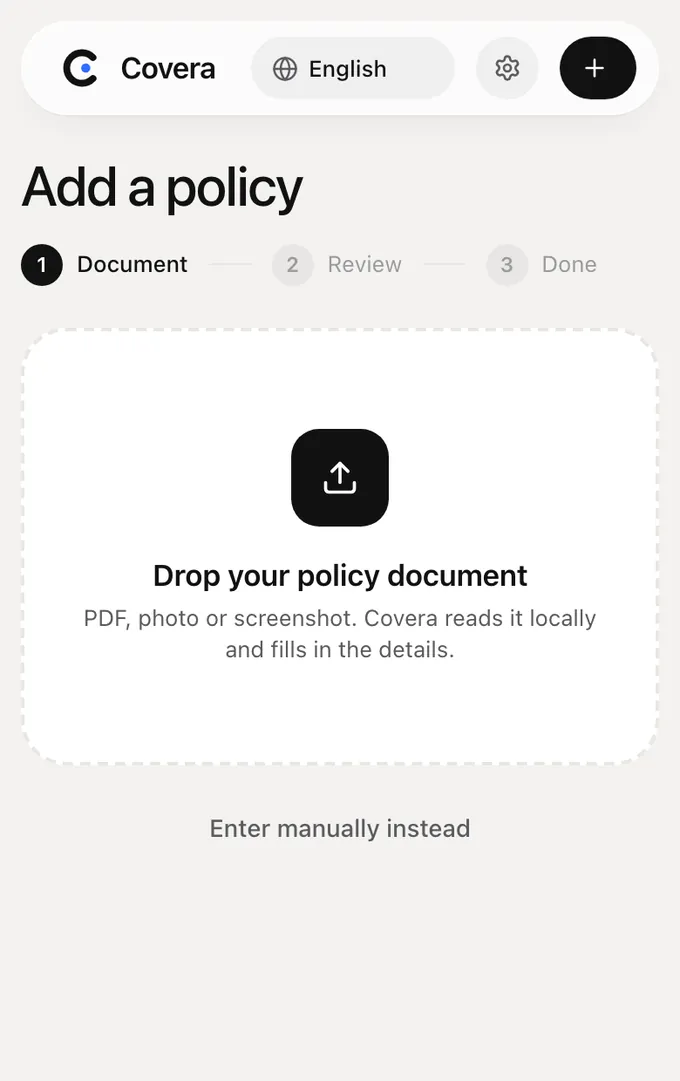
Covera’s document vault keeps your original policy PDFs, photos and screenshots on your own device, each one linked to its policy in your overview. There is no account and no cloud upload: the documents never leave your phone or browser unless you export a backup or choose the optional AI.
What can I store in the vault?
Any policy document you have as a PDF, a photo or a screenshot: policy schedules, general terms, green cards, renewal letters and invoices. Each document is attached to its policy, so it opens straight from your overview when you need it at a claim or a roadside check.
Where are my documents stored?
On your device only. In the web app, documents are saved in your browser’s own storage; in the phone apps, in the app’s storage on your phone. Covera’s servers never receive them unless you choose the optional AI reading for a document.
The privacy notice describes exactly what goes where.
Does Covera read the documents for me?
Yes, for text PDFs: Covera reads the text locally on your device and fills in the insurer, policy number, dates, premium and cover for you to check. With Plus, optional AI reading also handles photos and scans; it sends the chosen document through Covera to Anthropic only after you agree.
How do I back up the vault or move it to a new phone?
Go to Settings and export a backup. It is one file with all your policies, belongings and documents, which you import on the other device. Devices do not sync automatically, so keep the backup somewhere safe: it contains your personal policy information.
What happens if I clear my browser or lose my phone?
Then the documents on that device are gone, because Covera keeps no copy. Export a backup after you add new policies, and keep your insurer’s originals or online account as well.
Frequently asked questions
Is there a limit on the number of documents?
Covera sets no document limit; the storage available on your device does. The free web plan holds up to 5 policies, each with as many documents as you like.
Can someone else in my household see the vault?
Only on the same device. There is no household sharing yet; to share, export a backup and import it on the other device.
See all your policies in one overview
Free for up to 5 policies. Your documents stay on your device.
Start free